Resend's Email Editor Now Shrinks Big Images and Converts WebP
Resend's Broadcast and Template editors now resize images over 1 MB to 1500px wide and convert WebP, AVIF, HEIC and SVG files to JPEG or PNG before upload.
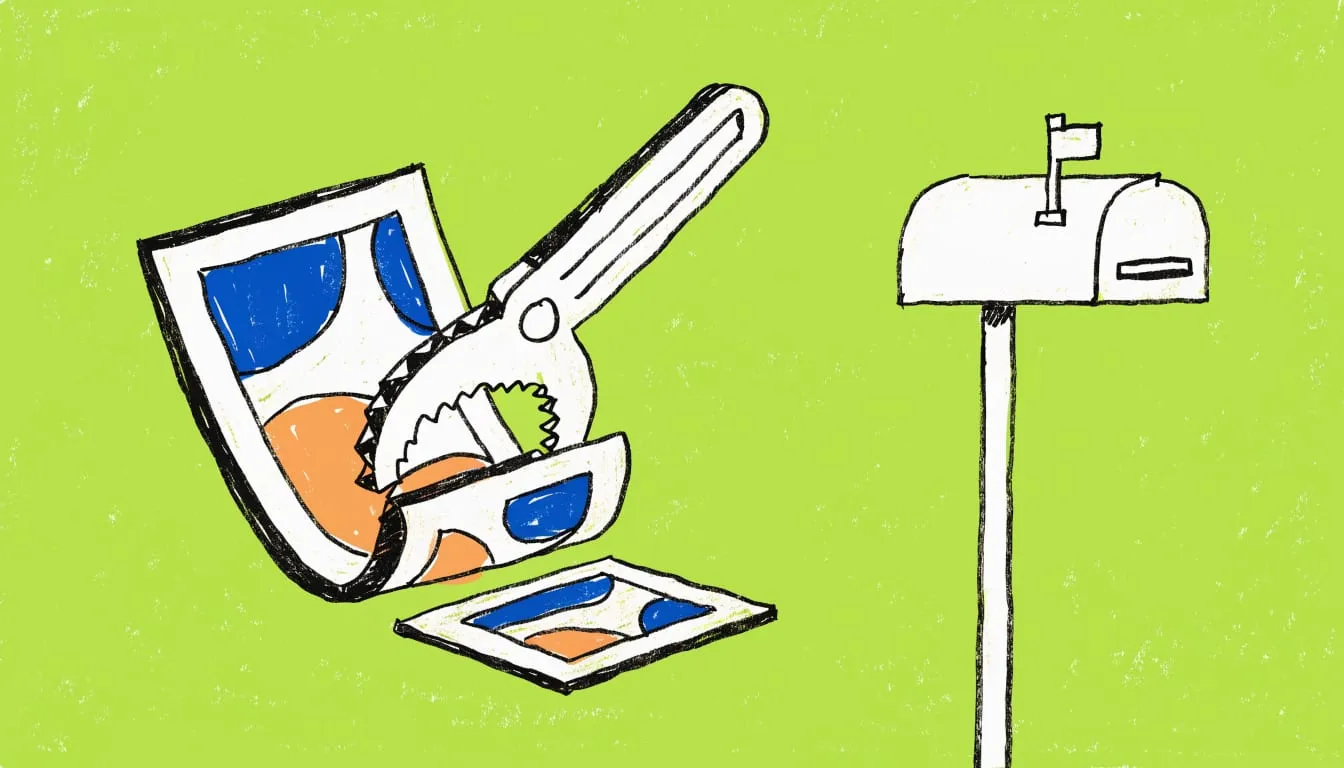
Resend’s Broadcast and Template editors now compress large images and convert unsupported formats in the browser before upload, the company said in an Oct. 19 changelog entry. Drop, paste or pick an image. The editor prepares it for email.
Images over 1 MB are resized to 1500px
The editor resizes any image over 1 MB to a maximum of 1500px wide and re-encodes it, according to Resend. Email clients render most messages at around 600px wide. A full-resolution photo makes every recipient download more than the layout can show. GIFs are never compressed. Animations stay intact.
Formats email clients mishandle are converted
Resend said email clients reliably support only JPEG, PNG and GIF. The editor now converts SVG, WebP, AVIF, HEIC, HEIF (the iPhone photo formats), BMP and ICO in the browser before upload. TIFF converts too, but only in browsers that can read it.
Images with transparency become PNG. Logos and cut-outs keep their transparent background. Everything else becomes JPEG. Converted images are also resized to a maximum of 1500px wide, whatever their file size.
The take
We think this removes a quiet cause of broken marketing email. Resend says only JPEG, PNG and GIF are reliable. A logo exported as WebP or SVG is a risk even when it looks fine in a browser preview. Converting at upload takes the choice away from the sender.
A mail client you don’t control is a poor place to find out a format fails. Fix it before send.
Teams that build in the editors can stop pre-processing images. Teams that assemble HTML elsewhere should apply the same two rules themselves: nothing over about 1 MB, and nothing outside JPEG, PNG and GIF.