Customer.io Limits Email Client Unsubscribe Buttons to Email Only
Since Nov. 16, Gmail-style unsubscribe buttons on Customer.io mail opt people out of email only and leave SMS, push and topic choices alone.
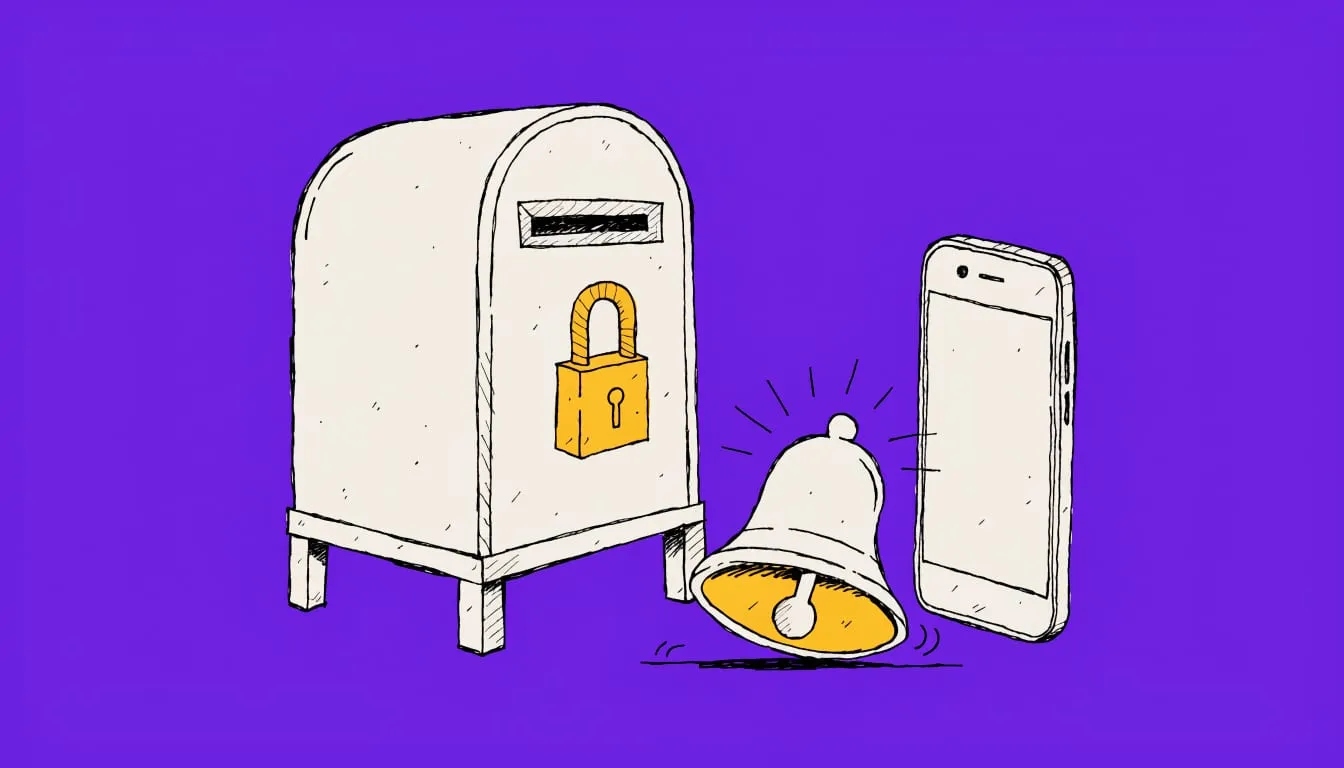
The unsubscribe button that Gmail and other email clients show on Customer.io messages now opts a person out of email and nothing else, for workspaces that use Customer.io’s subscription center. Customer.io said in its Nov. 16 release notes that a person’s “topic and other channel preferences stay the same” after they press it.
The button opts out of one channel
Customer.io’s subscription documentation says a click on the client’s button opts the person out of email and leaves their global unsubscribed attribute at false. That attribute is the switch that, when true, stops email, SMS and push together.
If a workspace added email as a channel in its subscription center, the person can opt back in to email from that page, the release note said.
Workspaces without a subscription center see no change
Customer.io’s documentation says the same button still sets unsubscribed to true when the subscription center is turned off, which unsubscribes the person from all of a workspace’s messages. The new behavior applies only to workspaces that use the center.
When an email contains an unsubscribe link, Customer.io adds a List-Unsubscribe header with both a mailto: address and an HTTPS link. Email clients read that header to draw their own button, and Customer.io said it treats both routes the same way. It receives and processes the mailto: requests itself, so senders don’t need a mailbox for them.
The documentation lists two exceptions. An unsubscribe from a test send doesn’t unsubscribe anyone, and a sender who writes its own List-Unsubscribe header through custom headers receives those requests and decides what they do. Customer.io processes only the requests sent to the addresses in its own header.
Gmail requires the button for bulk senders
Google’s email sender guidelines say that since Feb. 1, 2024, senders of more than 5,000 messages a day to Gmail must support one-click unsubscribe on marketing and subscribed messages, using the List-Unsubscribe and List-Unsubscribe-Post headers from RFC 8058.
Key takeaways
- With the subscription center on, the email client’s unsubscribe button now stops email only.
- Topic preferences, SMS and push stay as they were, and the global
unsubscribedattribute staysfalse. - People can opt back in to email from the subscription center if email is listed there as a channel.
- Without the subscription center, the button still unsubscribes a person from everything.
The take
We think this is the right default. The button at the top of an email asks the reader whether they want this email and nothing more. Reading that click as a refusal of order texts and app alerts takes far more from it than the reader meant.
On Customer.io, any code or report that treats unsubscribed: true as the sign of an email opt-out will now miss people who opted out from the inbox, because their attribute stays false. We’d look at the email channel preference instead. Teams that run their own List-Unsubscribe header are untouched, and they should confirm their handler makes the same email-only choice on purpose.