Amazon SES Shows How to Stop One Bad Sender Sinking an Account
AWS laid out five ways to tag printers and legacy apps with an SES tenant, so one bounce storm can't wreck reputation for every sender on the account.
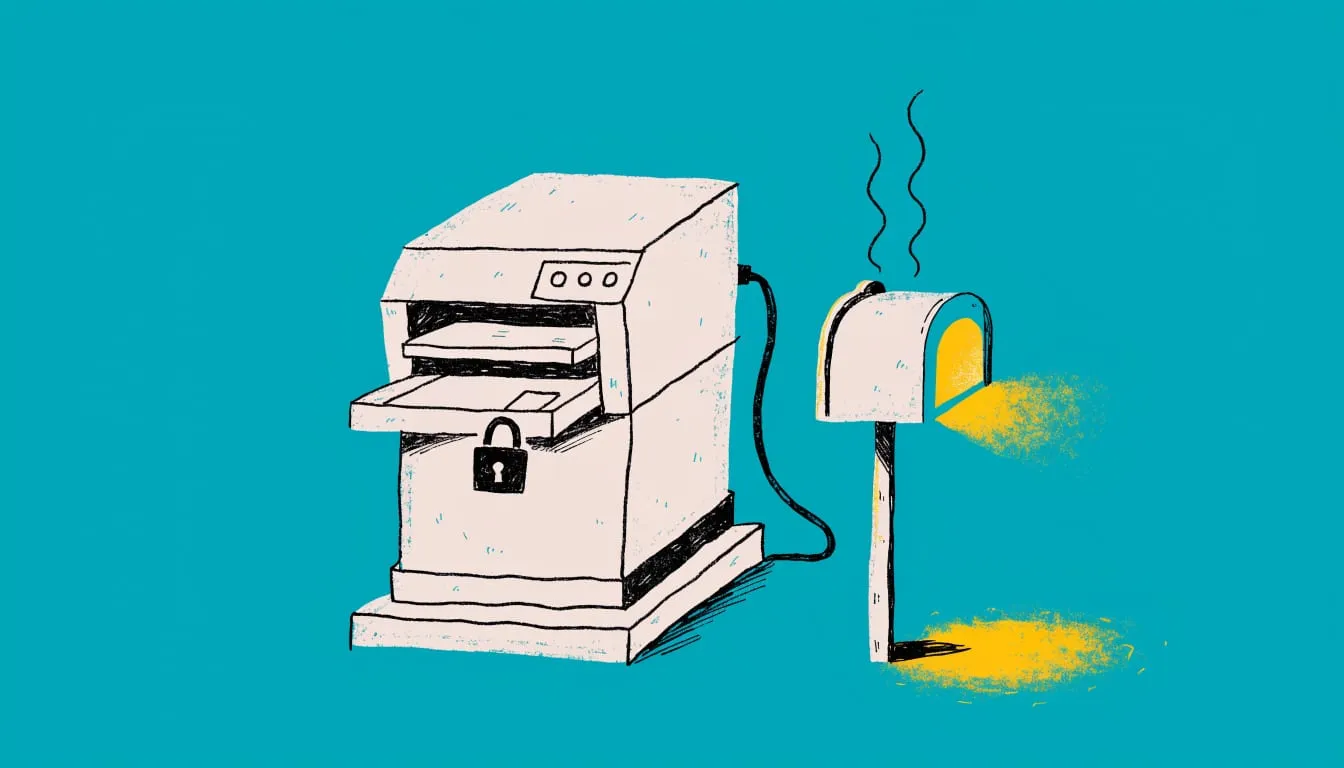
Amazon SES can pause sending for a misbehaving tenant while every other tenant on the account keeps delivering. AWS published five patterns on Sep 28 for getting legacy senders onto that system. The AWS Messaging Blog post focuses on senders that can’t set custom headers, such as printers and old appliances.
Key takeaways
- SES tenant management attributes bounces and complaints to a tenant instead of the whole account.
- Mail Manager can add the
X-SES-TENANTheader for senders that can’t. - The post compares five patterns, from a static header to a Lambda lookup.
- Mail Manager caps rule sets at 40 rules. That limits how many tenants one rule set can serve.
One misconfigured fleet can take down an account’s reputation
AWS opens with a hypothetical company whose outsourced IT team misconfigured the email settings on 200 multifunction printers. The printers’ failed sends caused a bounce storm that a major mailbox provider reported, the post said. Within 48 hours the bounce rate crossed the provider’s threshold. Password resets and order confirmations from every business unit then landed in spam or failed. All senders shared one reputation score.
Tenant management is the fix AWS points to. A tenant is a container built around sending identities, configuration sets and reputation metrics. SES attributes bounces, complaints and Trust and Safety signals to the tenant. It can pause only that tenant when its reputation degrades past a threshold.
Printers and appliances can’t set the tenant header
A message joins a tenant through the TenantName parameter on the SES API v2 SendEmail call or an X-SES-TENANT header on SMTP mail, AWS said. Printers and appliances can do neither. Mail Manager’s “Add header” rule action fills the gap by injecting the header before the “Send to internet” action hands the message to SES.
Attribution only happens at send time. AWS said an SMTP relay action to Google Workspace, Microsoft 365 or on-premises servers bypasses SES. No tenant applies.
Five patterns trade simplicity for scale
AWS describes these options:
- The sender sets the header itself before connecting to Mail Manager.
- A rule adds a static header, with one ingress endpoint per tenant.
- Rule conditions such as source IP pick the header value.
- A rule invokes a Lambda function that resolves the tenant at runtime.
- A rule writes the message to S3, and an S3 event triggers a Lambda function that sends it.
Pattern 3 hits Mail Manager limits first. A rule set allows 40 rules but only 10 “Send to internet” actions, so one send action per tenant stops at 10 tenants. AWS’s workaround uses 39 header-setting rules and one catch-all send rule. That serves 39 tenants per rule set, or 1,560 across 40 rule sets per Region. Per-tenant send actions, which allow per-tenant IAM roles, cap at 400 per Region. SES allows up to 10,000 tenants per account, an adjustable limit.
AWS said the Lambda function in Patterns 4 and 5 is yours to build and maintain. In Pattern 5 the Mail Manager log no longer records the delivery outcome.
AWS also recommends scoping the send action’s IAM role with the ses:TenantName condition key. A message tagged with another tenant, or with none, is then denied.
The take
We think any SES account with more than one sender should split them into tenants before something goes wrong. A mailbox provider scores the domain and IP addresses it sees, not the team behind them. When the printers bounce, the password resets sent under the same identity pay for it. Tenants give each sender its own score, and SES pauses only the one that misbehaves.
Our read is that the first three patterns suit most teams. They involve no code to maintain. We’d reach for Lambda only when the tenant can’t be known from the connection itself. This week, list what sends through your account, find the sender nobody owns, and give it a tenant of its own.